
Introduction
Recently, I have been using a Linux desktop with Omarchy as my main development environment. I installed Omarchy on a Minisforum MS-01 and use remote desktop via WayVNC.
*For details on connecting via WayVNC, see the following article. https://www.munenick.me/blog/omarchy#vnc%E3%81%AB%E3%82%88%E3%82%8B%E3%83%AA%E3%83%A2%E3%83%BC%E3%83%88%E3%83%87%E3%82%B9%E3%82%AF%E3%83%88%E3%83%83%E3%83%97%E7%92%B0%E5%A2%83%E3%81%AE%E6%A7%8B%E6%88%90%E4%BB%BB%E6%84%8F
However, because my remote desktop client is Windows, I wanted to use the built-in RDP client. This article explains how I connected to Hyprland from Windows’ built-in RDP client using xrdp.
Prerequisites
What is xrdp?

“xrdp provides a graphical login to remote machines using RDP (Microsoft Remote Desktop Protocol). xrdp accepts connections from variety of RDP clients.”
How it works
Although it is possible to connect via standard RDP using xrdp, WayVNC is used internally.
xrdp --> wayvnc --> hyprlandThe reason is that Hyprland does not have an RDP-compatible backend, so xrdp cannot connect directly.
Therefore, the system bridges to WayVNC via libvnc.so that exists in xrdp and transfers the screen.
It is unstable
The xrdp version used here is not an official release, but a specific commit. Therefore, it does not support RDP dynamic resolution changes. If you resize the RDP window, the screen may go dark or the connection may be disconnected.
The reason for using a specific commit instead of an official release is that the following PR has not been included in a release yet. https://github.com/neutrinolabs/xrdp/pull/3460
Technical details:
- The RFB version used in the released version of xrdp is 3.3, but WayVNC requires RFB 3.7 or later. This version mismatch prevents the released version of xrdp from connecting to WayVNC.
Method
This explanation assumes an Arch Linux environment. For other distributions, adjust the commands as needed.
WayVNC configuration
- Install WayVNC
sudo pacman -S wayvnc- Create a headless monitor for Hyprland
hyprctl output create headless VNC-1- Set the Hyprland headless monitor resolution It is recommended that the resolution match the RDP client resolution.
hyprctl keyword monitor "VNC-1,1920x1080@60,auto,1"- Start WayVNC
wayvnc -o VNC-1 127.0.0.1 5900xrdp configuration
- Install dependencies If any other packages are missing, install them as needed.
sudo pacman -S nasm- Clone xrdp
git clone https://github.com/neutrinolabs/xrdp.git
cd xrdp
git checkout 4b2155b6cf80c0411ffe8b5f1f7e3e4fae09e1a8- Install xrdp
./bootstrap
./configure
make
sudo make install- Configure xrdp
Update the section named
[Xvnc]. By default, the keys areusernameandpassword, but here they are changed topamusernameandpampassword.
sudo vi /etc/xrdp/xrdp.ini

[Xvnc]
name=Xvnc
lib=libvnc.so
pamusername=ask
pampassword=ask
ip=127.0.0.1
port=5900
security_level=0
depth=24- Start xrdp
sudo systemctl enable --now xrdpConnect from client
-
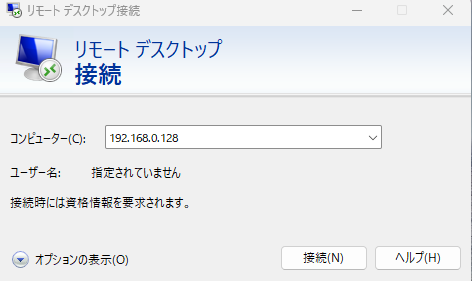
Start the Windows RDP client
-
Log in Set Session to
Xvncand enter the OS user information.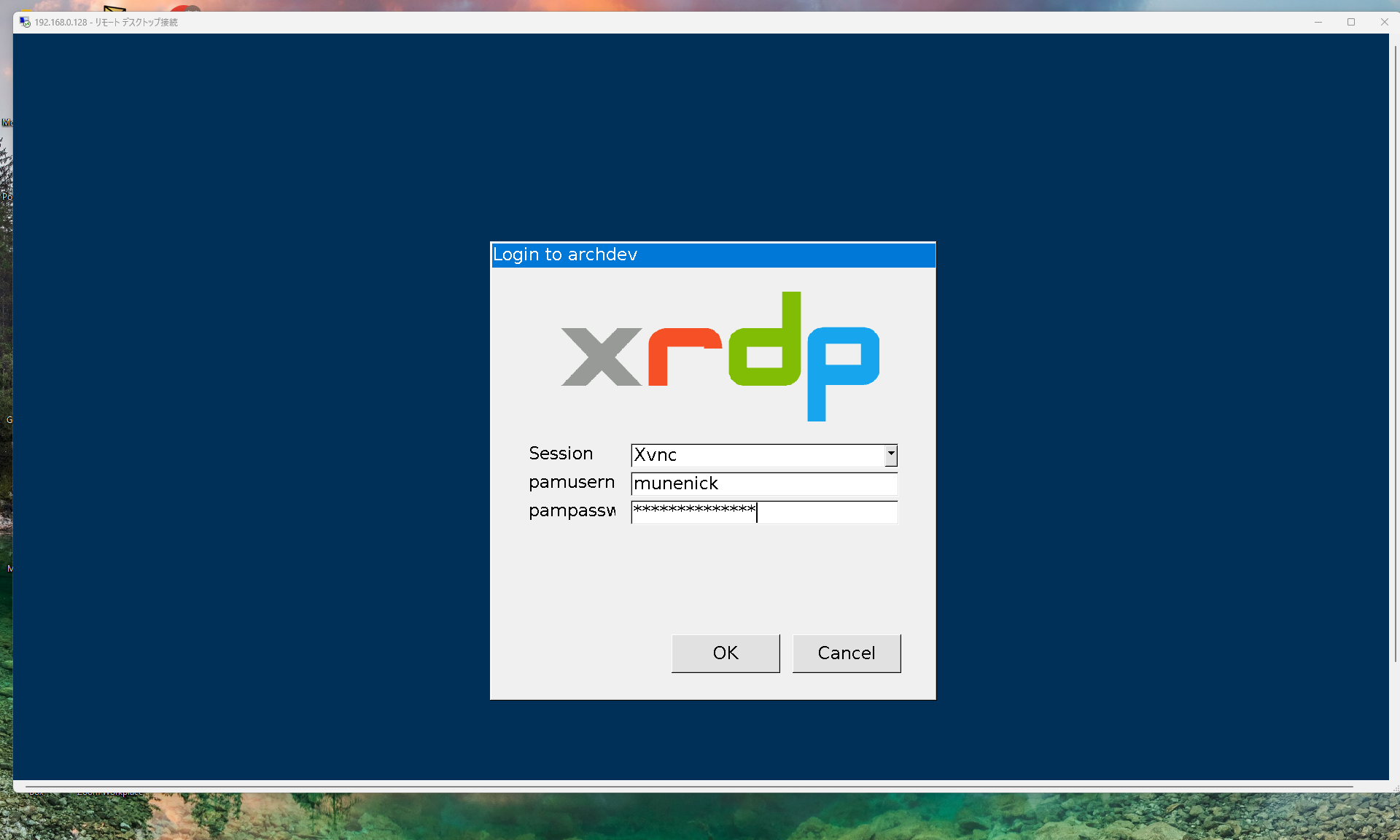
-
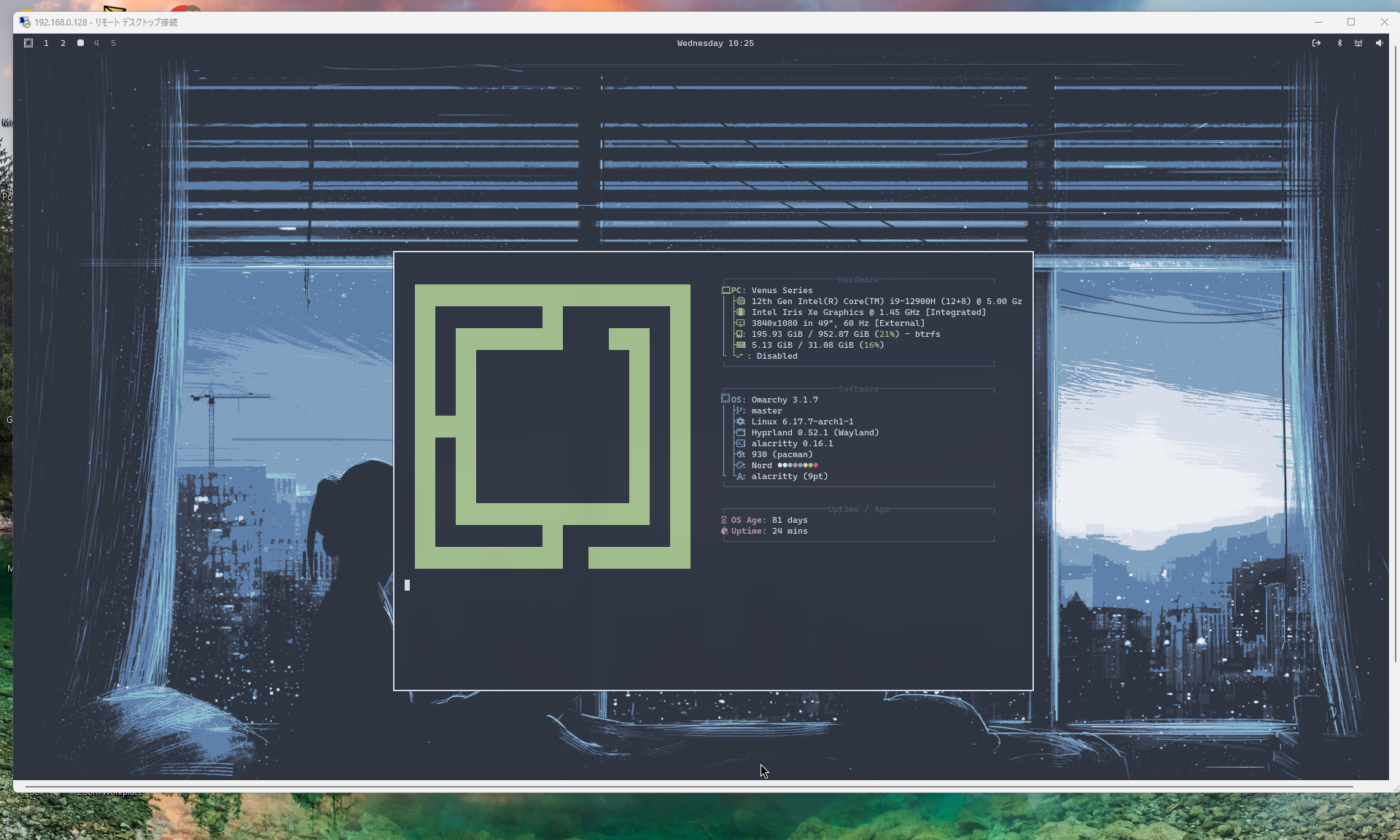
Check connection The connection was successful if you can connect to Hyprland.
Bonus
Automatically connect to Hyprland when connecting to RDP
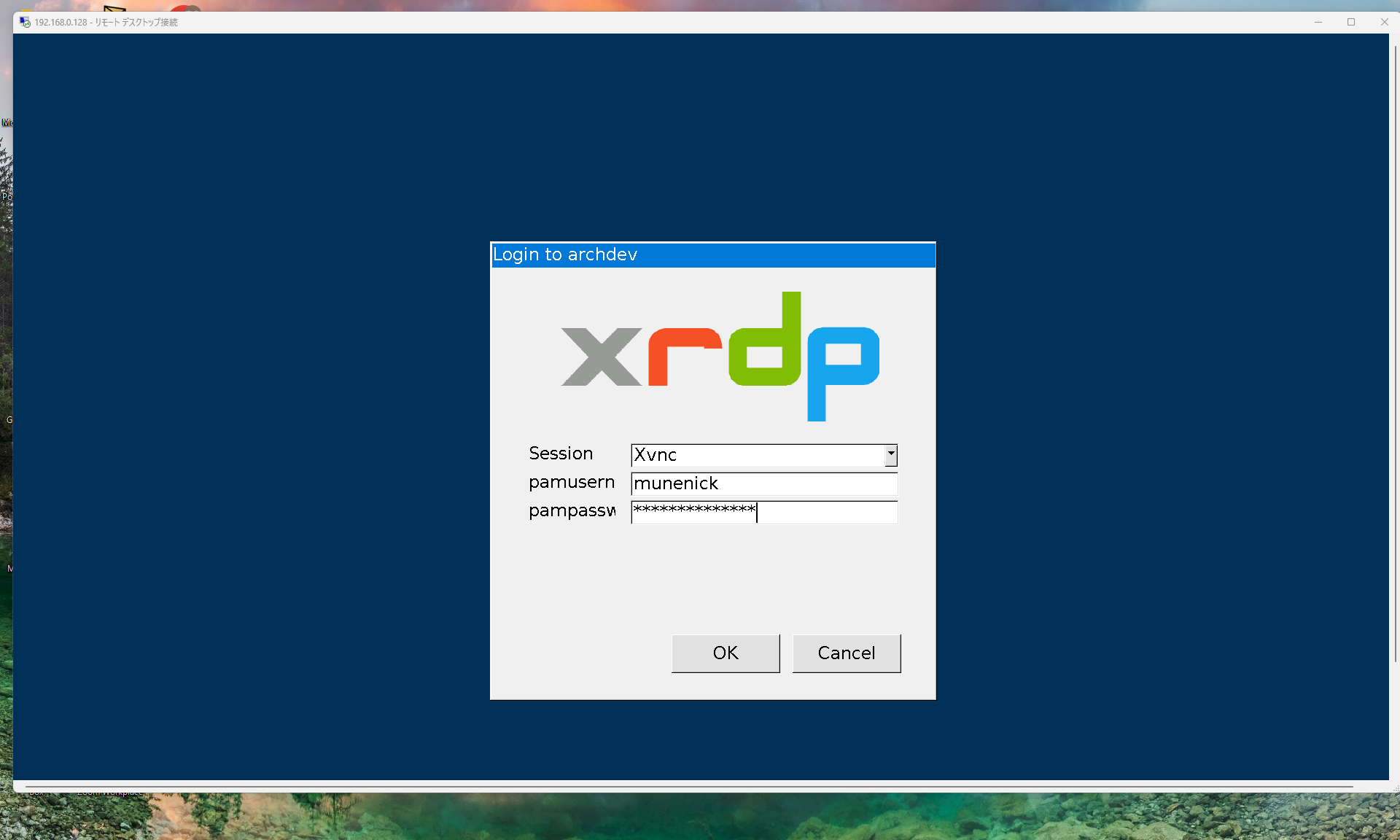
With the current configuration, the xrdp login screen is displayed as shown below. You can also configure it so that your RDP credentials are used directly.
- Configure the settings as below
sudo vi /etc/xrdp/xrdp.ini

[global]
autorun=Xvnc

[Xvnc]
name=Xvnc
lib=libvnc.so
username=ask
password=ask
pamusername=same
pampassword=same
ip=127.0.0.1
port=5900
security_level=0
depth=24- Restart xrdp
systemctl restart xrdp-
Enter your credentials on the client
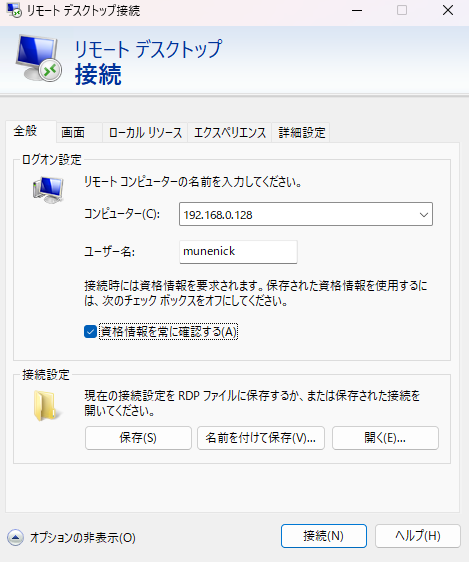
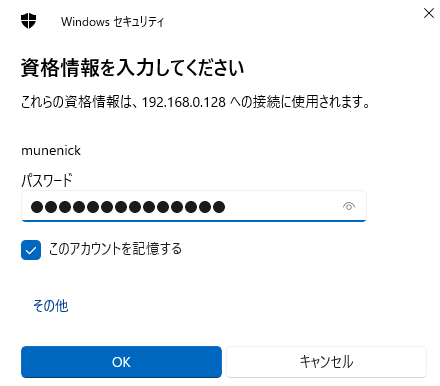
-
You can bypass the xrdp login screen and access Hyprland directly.
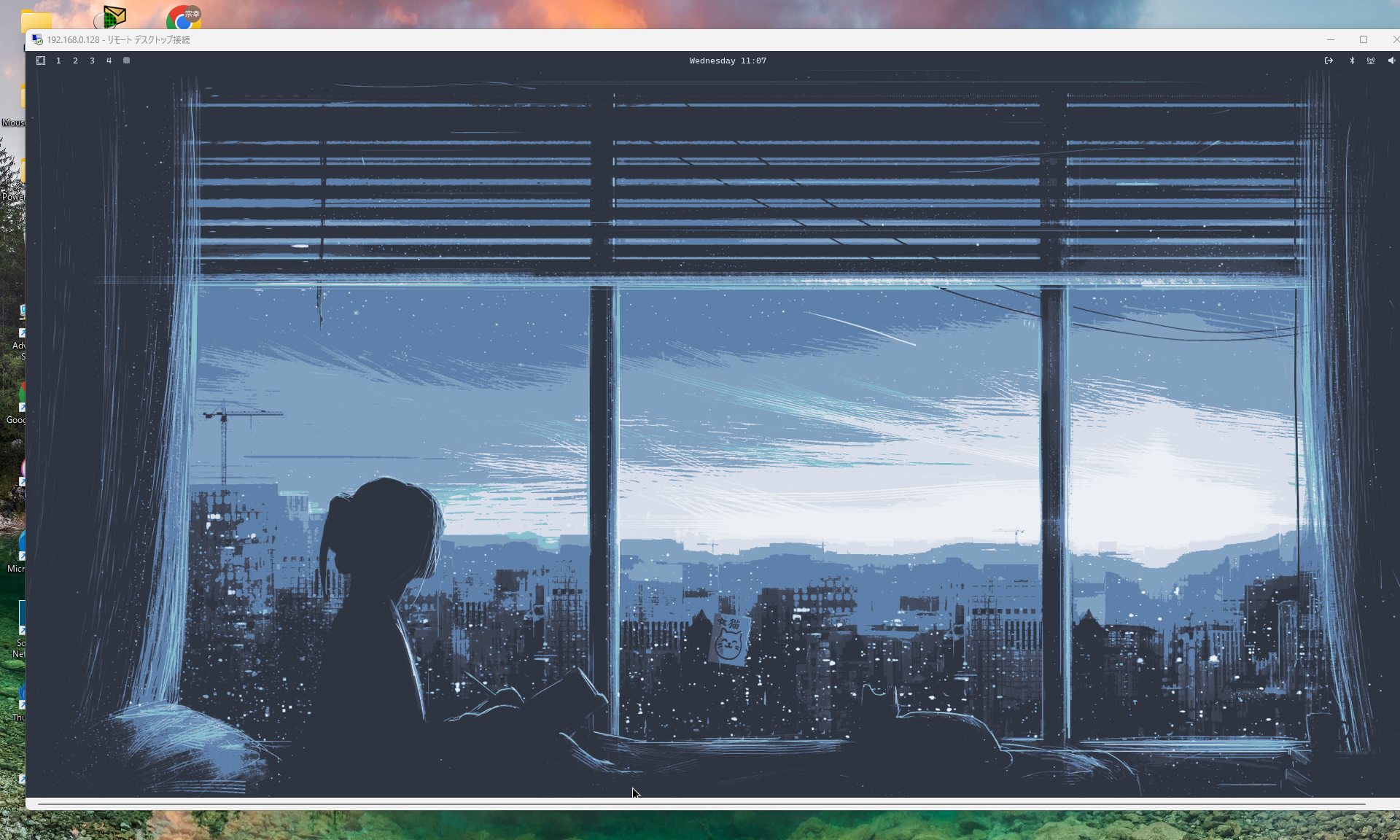
Conclusion
Although this setup is still unstable, I personally plan to use it because the screen is clearer than with VNC.
The PR below also appears to be considering official WayVNC support. It discusses support for dynamic resolution changes and audio stability. I hope this PR is officially merged.
https://github.com/neutrinolabs/xrdp/pull/3587 https://github.com/neutrinolabs/xrdp/issues/2637