
Introduction
This article explains how to install Docker and Docker Compose on CentOS Stream 8.
Prerequisite knowledge
What is Docker?
Docker is an open platform for developing, deploying, and running applications using container virtualization. Docker isolates applications from the development and runtime environment through OS-level container virtualization, making applications easier to deliver quickly. The environment itself can also be managed as code, in the form of an image, just like the application. By using Docker for development, testing, and deployment, you can greatly shorten the gap between writing code and running it in production. https://www.docker.com/
What is Docker Compose?
Compose is a tool for defining and running multi-container Docker applications. Compose uses YAML files to configure application services. With a single command, you can create and start the services based on those settings. https://docs.docker.jp/compose/
Preparation
Building CentOS8 Stream
Prepare CentOS Stream 8 by following the article below.
Building Docker
First, install and start Docker.
Add repository
Run the following command to add the Docker repository.
dnf config-manager --add-repo https://download.docker.com/linux/centos/docker-ce.repo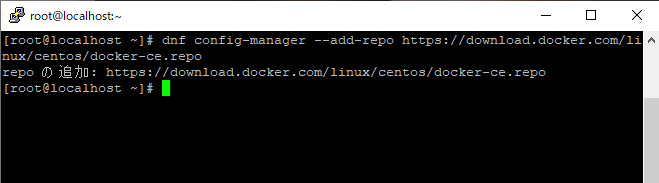
Installing Docker
Run the following command to install Docker.
dnf -y install --nobest docker-ce docker-ce-cli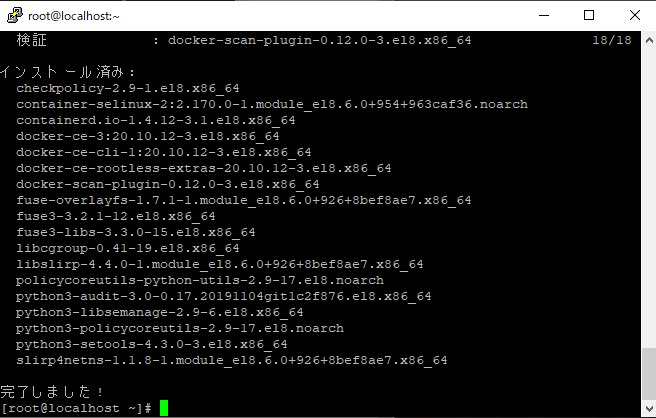
Enabling Docker at boot
Run the following command to enable Docker to start automatically at boot.
systemctl enable docker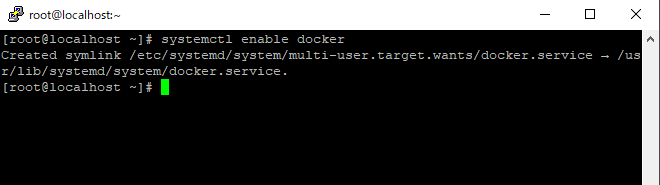
Starting Docker
Run the following command to start Docker.
systemctl start docker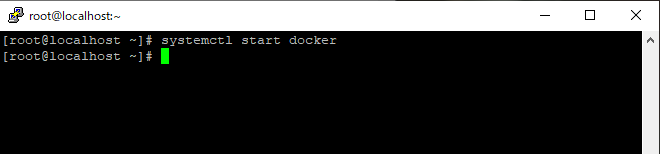
Verifying Docker startup
Run the following command and confirm that Docker is running.
systemctl status docker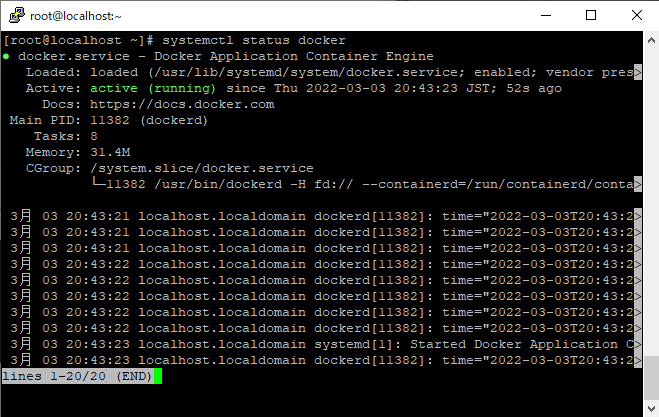
Installing Docker Compose
Next, install Docker Compose.
Installing wget
Run the following command to install wget.
dnf -y install wget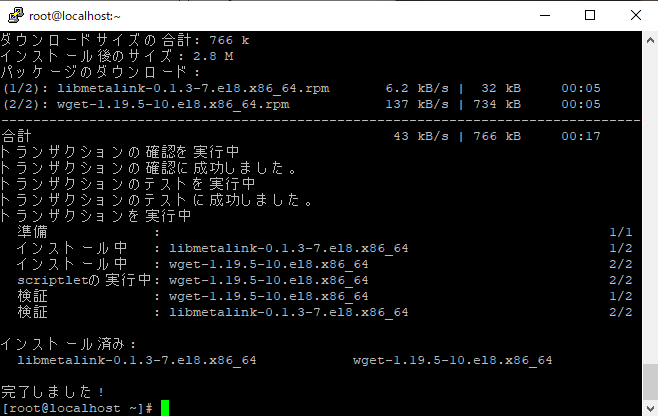
Download Docker Compose
Run the following command to download Docker Compose.
*Version 2.2.3 was the latest version as of 2022/03/03. Check the latest version on the website below and update the command as needed. https://github.com/docker/compose/releases/
wget -O /usr/local/bin/docker-compose https://github.com/docker/compose/releases/download/v2.2.3/docker-compose-linux-x86_64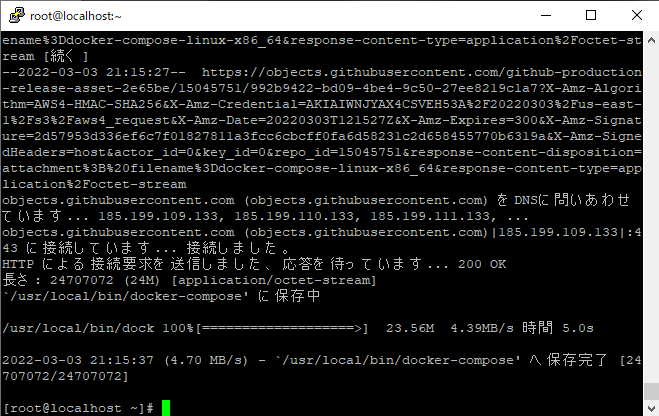
Grant execute permission to Docker Compose
Run the following command to grant execute permission to Docker Compose.
chmod +x /usr/local/bin/docker-compose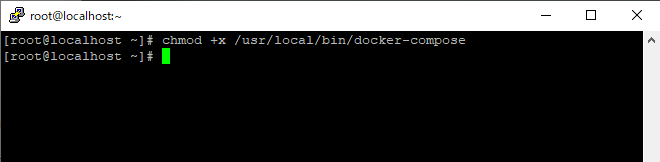
Confirm the Docker Compose installation
Run the following command to check the Docker Compose version.
docker-compose --version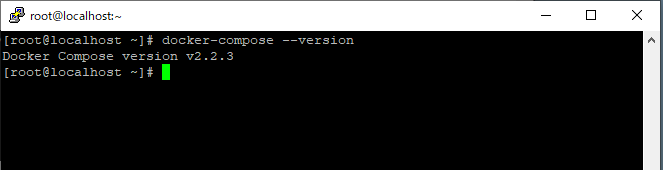
Conclusion
This completes the Docker and Docker Compose setup. Thank you for following along. In future articles, I would like to cover examples that use Docker and Docker Compose.